


Video Editing and Motion Graphics Course
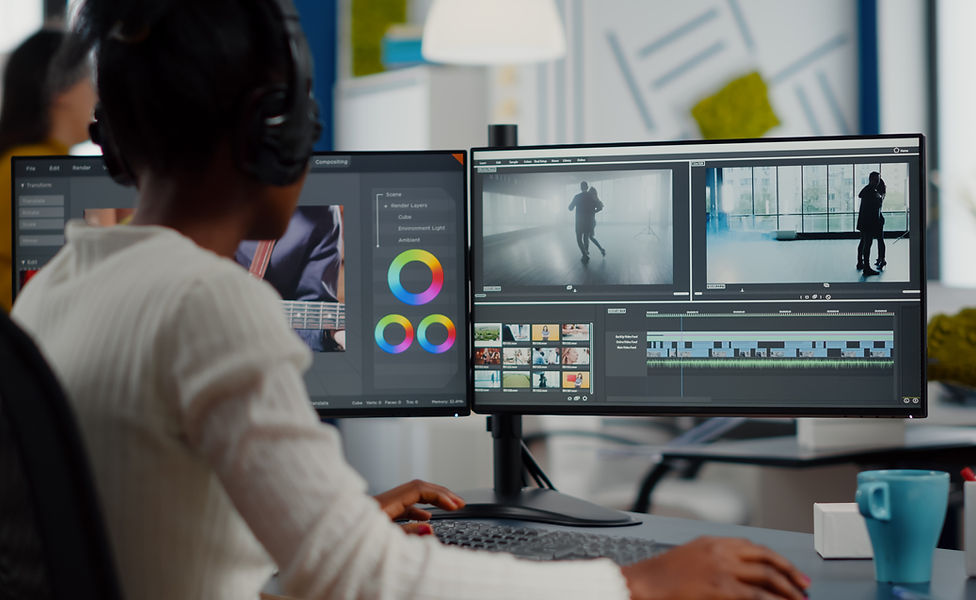
Course Modules & Outline - Duration 40 Hours
Module 1: Visual Storytelling, Cinematography & Video Language
• Introduction to visual storytelling for film and digital media
• Basics of cinematography for editors
• Understanding camera angles (wide, medium, close-up, extreme shots)
• Shot sizes, framing and shot composition
• Camera movements (pan, tilt, zoom, dolly, handheld)
• Lighting basics and mood creation
• Shot continuity, screen direction and visual logic
• Understanding pacing, rhythm, and emotional impact of visuals
Module 2: Video Editing Principles, Cuts & Transitions
• Introduction to non-linear editing workflows
• Types of cuts and edit techniques:
+ Straight Cut
+ Match Cut
+ Jump Cut
+ J-Cut & L-Cut
+ Cutaway & Insert Shots
• Continuity editing vs creative editing styles
• Camera angles and shot styles
• Transitions: motivated vs decorative transitions
• Editing for emotion, story, and viewer engagement
• Timing, beats, visual rhythm and pacing
Module 3: Professional Video Editing, Color Grading & Sound Design
• Premiere Pro interface and workspace customization
• Importing, organizing and managing footage efficiently
• Timeline editing and trimming techniques
• Working with audio, dialogue and music
• Sound design fundamentals
• Adding sound effects and ambient audio
• Audio balancing, cleanup and basic mixing
• Color correction fundamentals (exposure, contrast, white balance)
• Introduction to color grading for mood and storytelling
• Titles, captions and lower thirds
• Exporting for YouTube, Instagram, and digital platforms
Module 4: Motion Graphics, Visual Effects & Advanced Transitions
• Introduction to motion graphics and visual effects
• After Effects interface and composition workflow
• Keyframes, easing and animation timing
• Text animation and kinetic typography
• Shape layers and animated design elements
• Creating custom transitions
• Introduction to visual effects (VFX concepts)
• Simple compositing and effects enhancement
• Exporting motion graphics for Premiere Pro integration
Module 5: Integrated Editing Workflow, Style & Creative Projects
• Seamless Premiere Pro + After Effects workflow
• Combining editing, sound design, color and motion graphics
• Editing for social media reels, ads and branded content
• Visual consistency, pacing and storytelling across formats
• Developing a cinematic look on a budget
• Review of professional editing, grading and sound techniques
• Preparing videos for portfolios, clients and platforms
Final Projects & Assessment
Weekly Assignments
All weekly assignments must be submitted before final deadline.
Video Editing Project
A fully edited short video (45–90 seconds) demonstrating cinematography awareness, narrative flow, cuts, transitions, sound design, and color grading.
Motion Graphics Reel & VFX Project
A 10–20 second animated sequence using After Effects, incorporating motion graphics, transitions, or basic visual effects.
Social Media Video
A vertical or square-format video optimized for social platforms with sound, color, and motion elements.
Portfolio Compilation
All videos compiled and submitted as a private online link.